Early access: creating invitations is free
Luxora Invites
Digital invitations with RSVP
Pick a package, fill in your event details and send guests a link over WhatsApp, Viber or a message. They confirm with one tap, and you see who is coming and how many.
No printing
No app needed
Replies arrive by email
With great joy we invite you to our wedding
Ana & Marko
Saturday
14
June 2027
at 6 pm, Vila Dunav Restaurant
RSVP
10
types of celebration
11
invitation looks
9
decorations
5 min
to a finished invitation
For every celebration
An invitation made for your type of event, from a first birthday to a prom night or a party.
Wedding
Timeline of the day, several venues, your story and gift information.
Christening
Church, celebration and everything godparents and guests need, in one place.
First birthday
For parents who want the first birthday to start with a beautiful invitation.
Kids birthday
Place, time and the number of children coming, without chasing replies in group chats.
18th birthday
An invitation worth sending, with music of your choice.
Adult birthday
For milestone birthdays and celebrations with friends.
School reunion
Ten, twenty or thirty years later. You see who is coming on a single list.
Prom night
A formal evening for the whole class, with a timeline, dress code and RSVP for guests and parents.
Party
Summer, house or themed. The link, the music and the list of who is coming, in one place.
Corporate events
Company logo and colours, the programme, and guests sign up with company and job title.
Invitation examples
This is how real invitations made in our editor look. Open any of them, play the music and try the RSVP.
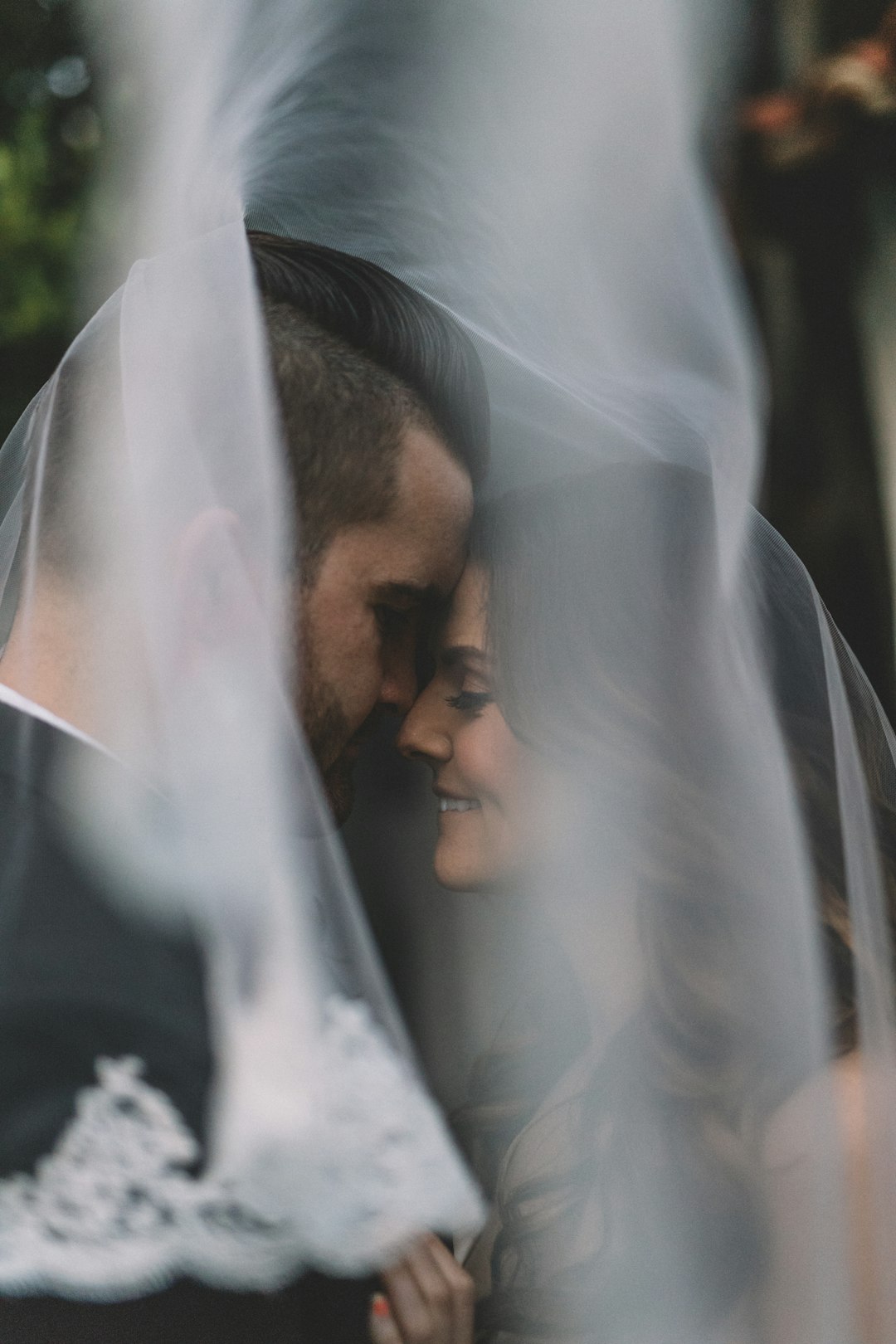
Wedding
Jovana & Nikola
Advanced package, Bordeaux look, Flowers decoration, with video

Christening
Baby Lana
Medium package, Champagne look, Greenery decoration

First birthday
Mia turns 1
Medium package, Pink look, For girls decoration

Kids birthday
Luka turns 5
Medium package, Soft blue look, For boys decoration, with video

Birthday
Jelena 30
Medium package, Black and gold look, Golden balloons decoration

Party
Summer party
Medium package, Emerald look, Colourful balloons decoration

Prom night
Class of 2027
Medium package, Black and gold look, Stars and hearts decoration
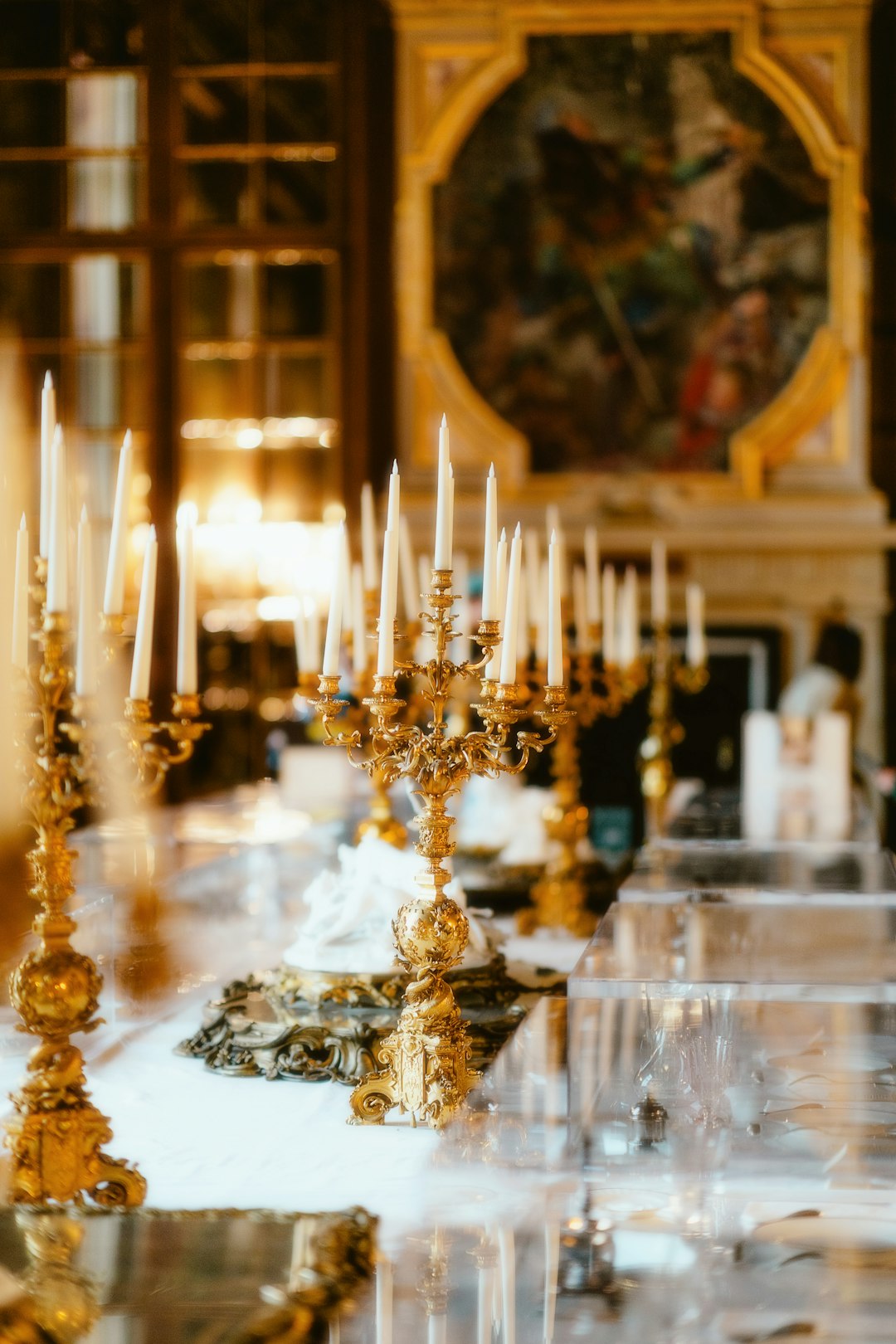
Corporate event
Ten years of Nova company
Corporate package, Midnight blue look, Golden branches decoration
With every invitation you choose one of 11 looks and 9 decorations, from elegant dark colours to soft ones for children. The text and photos stay the same.
Photos in the examples: Unsplash
Why a digital invitation
What used to be a printed card is today a link your guest opens on a phone, with a map, music and RSVP.
Be current!
Guests see the invitation on a phone first. Instead of paper that gets lost in a bag, they get a link that is always at hand, with everything in one place.
Invite everyone at once!
One link goes to everyone, in a group or one by one, over WhatsApp, Viber or a message. No collecting addresses, no deliveries, no waiting for the post.
Easy, fast, polished!
You fill in a simple form with ready-made text for every type of event. In about ten minutes the invitation is done and ready to send.
Elegant design!
Script lettering, golden ornaments, flowers or balloons and your photo in a golden arch. You choose between 11 looks and 9 decorations, so the invitation fits your celebration.
Know who is coming!
Guests reply with one tap. You see the list, the total number of people and special meal requests, without counting replies in group chats.
No printing, no costs!
No printing, envelopes or delivery. If the venue changes or the date moves, you correct the invitation and guests see the new version right away.
How it works
1
Choose a package
The package decides what the invitation includes, from RSVP to music, gallery and timeline.
2
Edit your invitation
In your account you enter the names, date and venue, pick a look and a decoration, add photos and music. Ready-made text helps you start quickly.
3
Send the link
You send the link over WhatsApp, Viber or a message. Every reply reaches you by email, and the guest list is always up to date.
Everything guests need, in one link
No printing, no delivery and no chasing replies in group chats. Guests open the link, see where and when, and reply. You get a tidy list.
- RSVP with the number of guests
- Guests mark vegetarian, vegan, gluten free or fasting meals and allergies
- Map and navigation to the venue
- Main photo next to the names, gallery, music and YouTube video
- Countdown to the event
- An email for every reply and a guest list for Excel
Why not a plain template
This is not a template you design yourself, it is a finished invitation that collects replies for you.
RSVP is built in
With design templates RSVP is not part of the tool, so replies are collected through separate forms or paid add-ons. Here the guest replies on the invitation itself, and you get an email and a list.
Music and video work
The Canva website format does not allow background music. Our invitation has a music button, video and a gallery, and the sound starts only when the guest presses play.
Corrections show up instantly
If the venue changes or the event is postponed, you correct the details and guests see the new version on the same link. A picture sent to a group chat cannot be corrected.
No design skills needed
You fill in a form with ready-made text, while the layout, fonts and spacing are already set. No shifted text and no five different fonts on one invitation.
Written for real celebrations
Christenings and godparents, prom nights, fasting meals, several venues in one day. Everything follows the way people really celebrate.
Everything in one place
The invitation, the guest list, meal choices and the map live in one account. No spreadsheets on the phone and no searching who replied what.
Packages
During early access creating invitations is free, in every package. The prices below will apply once early access ends. Create an account, choose a package and send a request, and we will assign your invitation and email you.
Basic
990 RSD
or 9 EUR
Free right now
- Invitation in one of 11 looks, with decoration
- Main photo next to the names
- Venue map
- RSVP and meal choices
- Sharing over WhatsApp and Viber
Medium
1.490 RSD
or 13 EUR
Free right now
- Everything in the Basic package
- Music and YouTube video
- Gallery of up to 10 photos
- Countdown and number of guests
- Guest list for Excel
Best for weddings
Advanced
2.900 RSD
or 25 EUR
Free right now
- Everything in the Medium package
- Several venues during the day
- Timeline of the celebration
- Story and gift information
- Every feature from every package
For companies
Corporate
4.900 RSD
or 42 EUR
Free right now
- Company logo and colour
- Event programme
- Sign-up with company and job title
- Gallery and countdown
- Guest list for Excel
What exactly you get
A short explanation of every feature in the packages, so you know what you are getting.
RSVP
At the bottom of the invitation the guest taps Coming or Cannot make it and enters their name. You get an email right away, and the guest list builds itself in your account.
Number of guests
With the reply the guest enters how many people are coming, so you always know the exact number for the venue and the seating plan.
Meal choices
A guest can mark that they are vegetarian or vegan, fasting, gluten free, or that they have a food allergy and write what it is. You see the totals, for example fasting: 4.
Venue map
Under the address there is a map and an Open in maps button, which starts navigation to the venue on the guest phone.
Main photo
Your photo next to the names, in a golden arch. The same photo appears as the thumbnail when you send the link over WhatsApp or Viber.
Gallery
Up to 10 photos at the bottom of the invitation, for example from the engagement, a photo session or earlier celebrations.
Music
A song that plays only when the guest starts it with a button, so the sound never surprises anyone. You can upload an MP3 or paste a YouTube link.
Video
A YouTube link or your own clip from a phone, played right on the invitation.
Countdown
A counter that shows guests how much time is left, for example 36 days, 8 hours and 12 minutes.
Several venues during the day
When the day happens in several places, every venue has its own time, name, address and map button. For example: 1 pm church, 3 pm registry office, 5 pm restaurant. Guests know where to be and when.
Timeline of the celebration
The schedule inside the celebration itself: welcoming guests, dinner, first dance, cutting the cake. Guests know what to expect and when to arrive if they cannot make the start.
Story and gifts
A short story of the couple or the family and a line about gifts, for example that your presence is the best gift of all.
Company logo and colour
In the Corporate package the invitation carries the company logo, and the gold colour is replaced by the colour from your brand.
Sign-up with company and job title
Corporate guests enter their company and job title with the reply, so you know in advance who is coming and from which company.
Guest list for Excel
You download every reply as a table, ready to print or send to the venue.
Frequently asked questions
Do guests have to install anything?
No. The invitation opens like an ordinary web page, on a phone or a computer.
Can I change the invitation after sending it?
Yes. Changes from the editor show up on the same link right away, so you do not have to send the invitation again.
Can I change the colours and the decoration?
Yes, at any time. You pick the look and the decoration with one click, while the text and photos stay the same.
How do I know who is coming?
You get an email for every reply, and in your account you see the list with the number of people and special meal requests.
Can I hide the invitation for a while?
Yes. You hide it with one click and publish it again on the same link whenever you want.
Your celebration deserves a beautiful invitation
Create your invitation in a few minutes
During early access it is free, with no obligation and no card details.